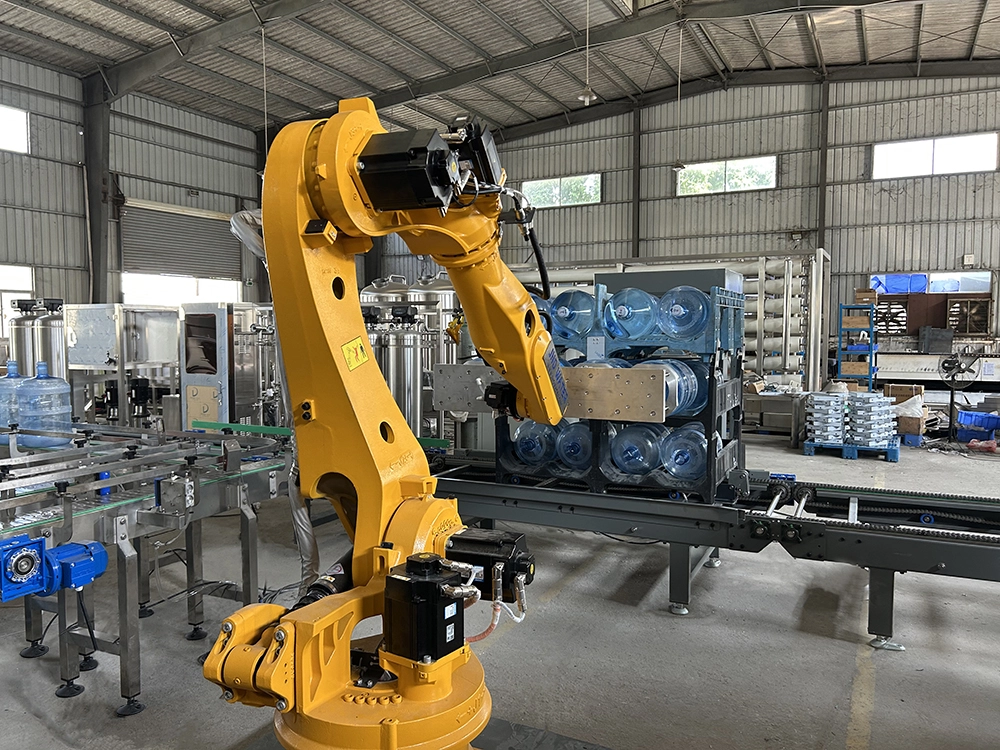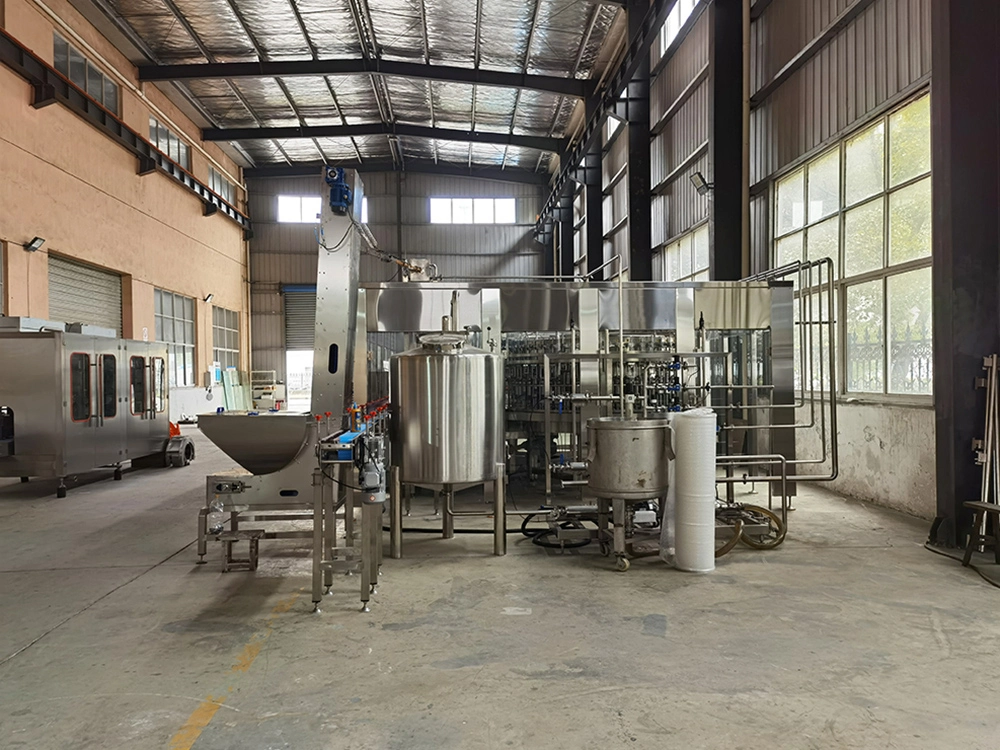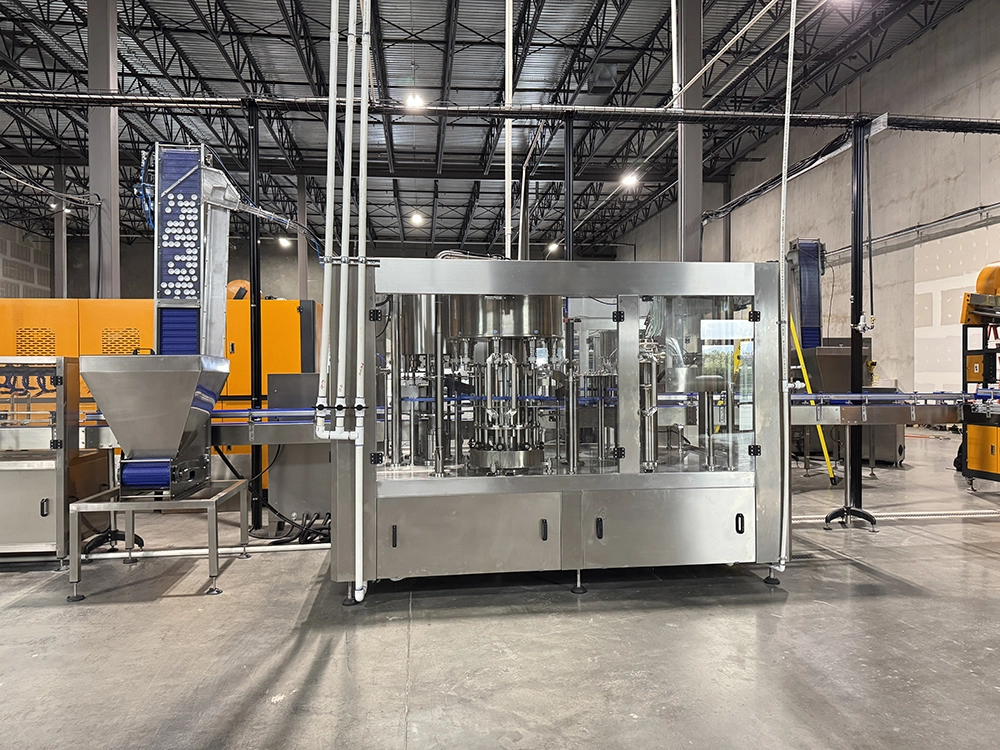
When bottle water filling machine equipment suddenly stops without warning during peak production hours—this is undoubtedly one of the most frustrating scenarios for food and beverage factory operators. Every unplanned downtime means lost output, order delays, and increased costs.
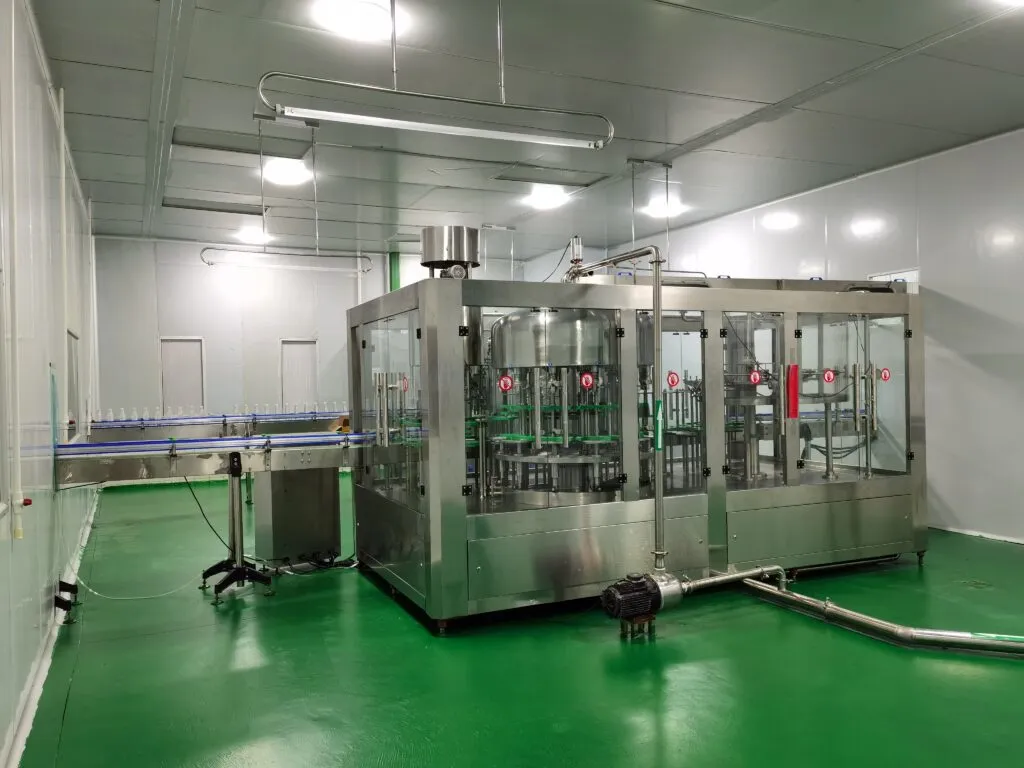
As a company with over 9,000 units delivered globally and 20 years of manufacturing and sales experience, Jndwater understands the importance of stable production. This article will systematically outline the five most common faults that cause filling line downtime, providing clear troubleshooting steps and solutions to help your team respond quickly and minimize downtime.
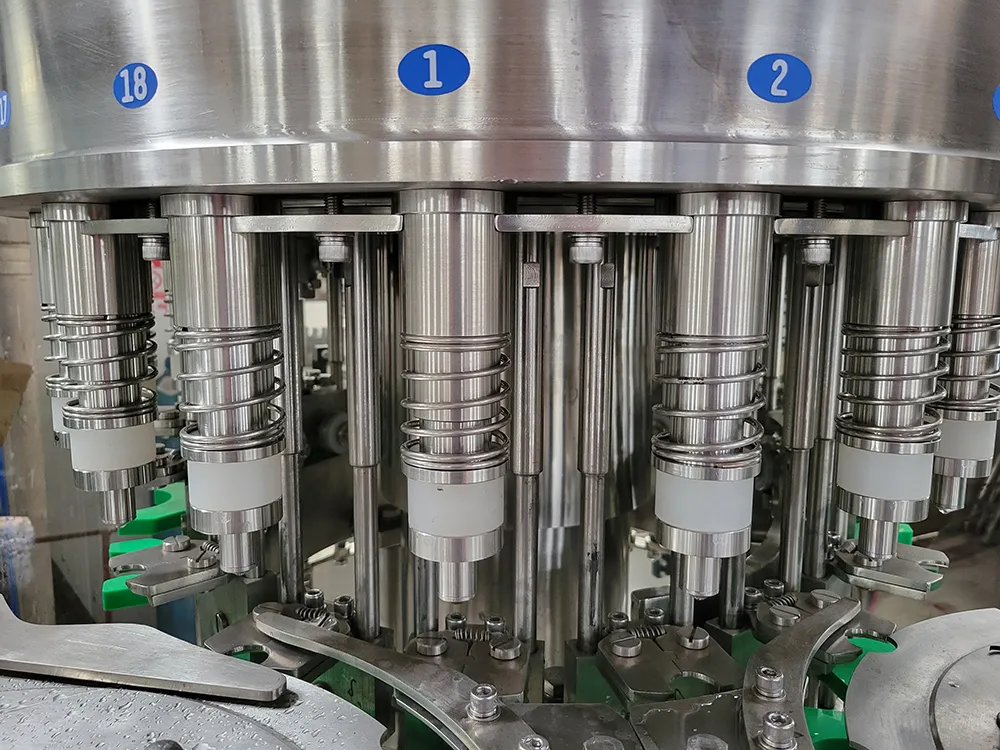
Fault Point 1: Clogging or dripping of the automatic water bottling filling machine’s filling valve
This is one of the most common causes of inaccurate filling, production line slowdown, or direct shutdown.
Quick identification:
The filling quantity fluctuates and exceeds the tolerance range.
Continuous dripping occurs beneath the filling valve, contaminating the bottle body and equipment.
The touchscreen or control panel displays an alarm message indicating “Filling Timeout” or “Liquid Level Error.”.
Possible reasons:
1. The fruit pulp fibers, crystalline substances, or residues from incomplete cleaning in the product clog the valve core or sealing ring.
2. The O-ring, sealing gasket, and other wear-prone components of the filling valve have aged, worn, or fractured.
3. Failure of pneumatic or electrical components (such as cylinders, solenoid valves) used for valve opening and closing.
Solution steps:
1. Perform CIP cleaning immediately: Initiate the cleaning program, check if the cleaning balls are functioning properly, and ensure a thorough rinse of the filling valve.
2. Manual Inspection and Clearing: With the equipment securely locked out, disassemble the suspected clogged filling valve and thoroughly clean it with warm water or specialized tools.
3. Replace consumable parts: Inspect and replace all aged and deformed seals.
4. Check the actuator: Verify whether the air source pressure controlling the filling valve’s opening and closing is stable, and whether the solenoid valve operates when powered. Replace if necessary.

Fault Point 2: Clogging in the Bottle Feeding System
Smooth bottle conveying is the foundation for the efficient operation of beverage filling machines. Any blockage in any part can lead to a chain of machine stoppages.
Quick recognition:
Bottles pile up or tip over at the bottle washing machine outlet or the star wheel of the filling machine.
The bottles on the conveyor belt are unevenly arranged with inconsistent spacing.
The equipment automatically stops due to a “missing bottle” detection.
Possible reasons:
The bottle itself is of poor quality (with excessive height and diameter tolerances, and an uneven base).
2. The wear or misalignment of the conveyor belt, guide rod, and star wheel causes incorrect bottle conveyance trajectories.
3. The photoelectric sensor is contaminated by dust or water stains and cannot accurately detect the bottle position.
4The pneumatic conveying system’s unstable pressure causes bottles to stand unsteadily on the conveyor line.
Solution steps:
1. Inspect the bottle source: Immediately sample and inspect a batch of newly put into service empty bottles to confirm whether their specifications meet the equipment requirements.
2. Clean and calibrate the sensors: Wipe all key positions of photoelectric sensors and proximity switches with lint-free cloth, and test their sensitivity.
3. Adjust mechanical components: Inspect and adjust the belt tension, guide rod spacing, and star wheel alignment. JNDWATER equipment is typically equipped with convenient adjustment mechanisms.
4. Stabilize the utility medium: Check and stabilize the compressed air pressure to ensure consistent air pressure in the pneumatic conveying and power systems.


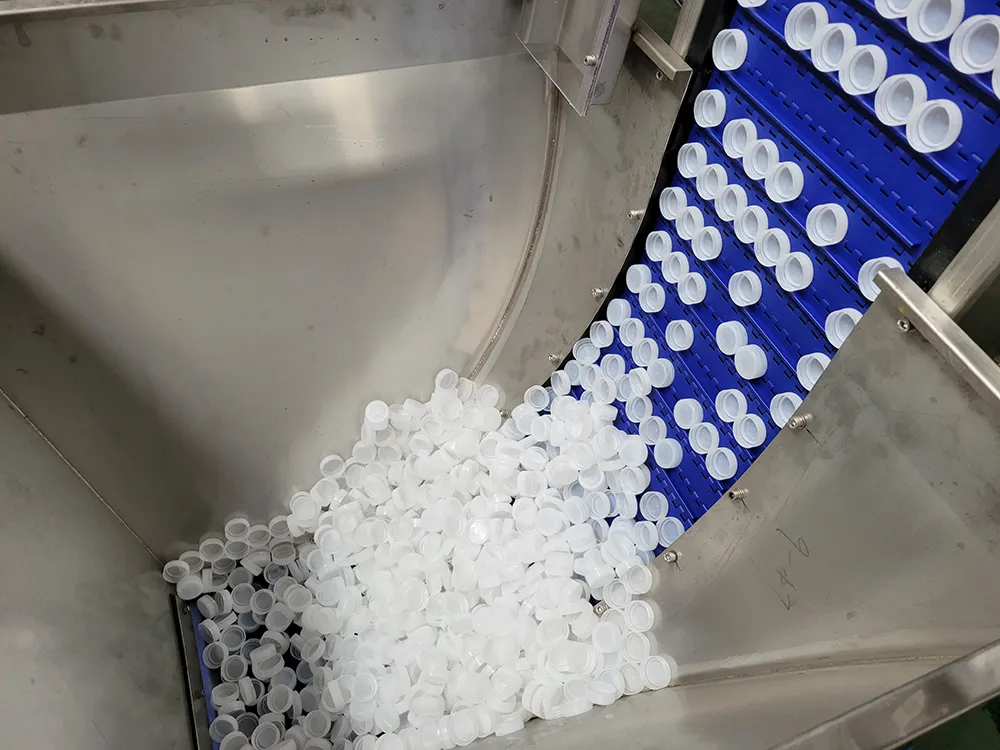
Fault point three: Cover supply and sealing failure
Inadequate sealing can not only cause downtime, but also lead to serious quality accidents such as product leakage and deterioration.
Quick identification:
A large number of lids are skewed, detached, or not tightly sealed.
Cover machine or cover delivery track is stuck or blocked.
Abnormal torque of sealing mouth, or equipment alarm of “no cover” or “sealing failure”.
Possible reasons:
- The size or material of the lid does not match the equipment.
- Foreign objects or damaged mechanical components are stuck inside the capping machine.
- Wear and tear on the sealing mouth, improper height setting, or incorrect torque parameter setting.
- The compressed air pressure for conveying the lid is insufficient or contains impurities.
*Solution steps: - Confirm lid specifications: Verify whether the currently used lid matches the device’s set parameters and mold.
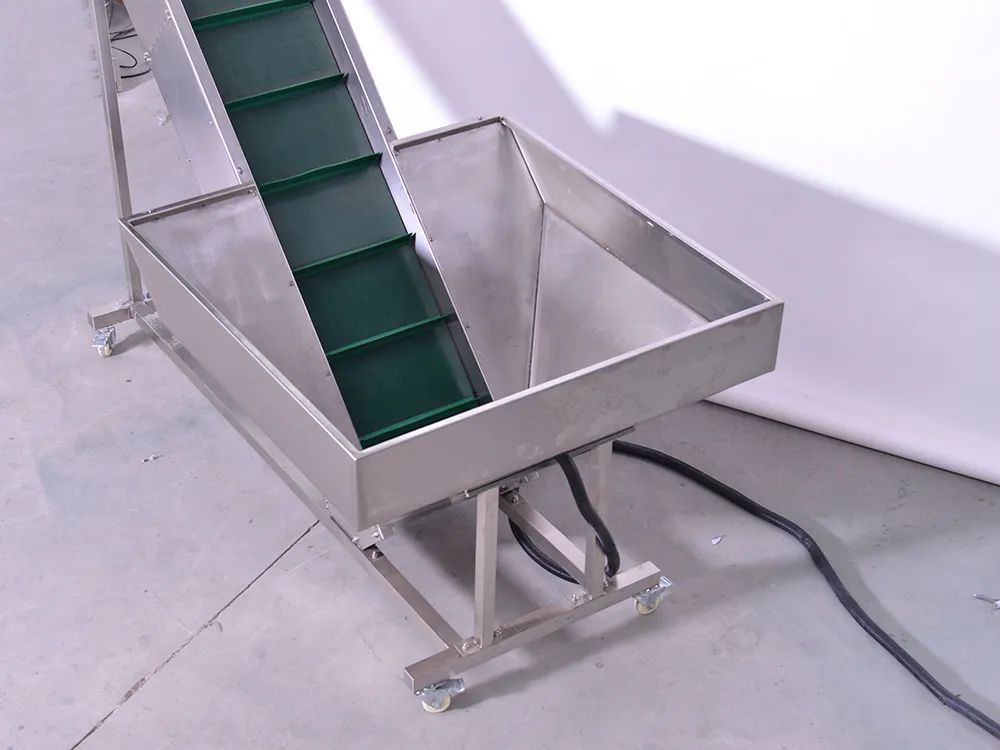
- Cleaning and inspection of the capping machine: Turn off the equipment, thoroughly clean the capping machine storage bin and track, remove all foreign objects, and check whether the lifting belt and sorting device are intact.
- Calibration of sealing head: According to the standard operating manual, recalibrate the height and torque of the sealing head. Use a torque tester for actual measurement and adjust to the standard range.
- Check the air circuit: Check the air filter, discharge condensed water, and ensure that the air supply to the capping machine is dry, clean, and has stable pressure.
Fault point four: Abnormal transmission system (motor, bearings, belt)
This is the mechanical root cause that causes the equipment to completely shut down or produce abnormal noise.
Quick identification:
The device emits sharp friction sounds, periodic knocking sounds, or abnormal vibrations during operation.
Motor overheating and overload alarm.
The transmission belt slips, bounces, or breaks.
Possible reasons:
- The bearings of the main shaft or key rotating parts may wear or get stuck due to long-term use and lack of lubrication.
- The drive belt is aging, loose, worn, or lacks sufficient tension.
- Motor driver parameter drift or sudden increase in mechanical load.
Solution steps: - Listening and positioning: Under safe conditions, carefully listen to the source of the sound and preliminarily determine the faulty part (such as the filling spindle, conveyor motor, star wheel box).
- Check lubrication: Immediately inspect the lubrication points of the faulty area and replenish or replace the designated brand of lubricating oil/grease according to the plan.
- Check the belts and chains: After stopping the machine and turning off the power, check the tension and wear of all transmission belts, as well as the tightness of the chains, and tighten or replace them in a timely manner.
- Check the alarm code: For overload alarms of frequency converters or servo motors, record the accurate code and refer to the manual to find the cause. It may be mechanical jamming or parameter issues.
Fault point five: Soft faults in the control system and false alarms from sensors
Modern filling machines are highly dependent on PLCs and sensors, and their misjudgments can directly command the equipment to shut down.
Quick identification:
The equipment has no clear mechanical malfunction, but frequently stops abruptly without reason.
The touch screen displays a continuous alarm from a certain sensor, but on-site inspection shows no abnormalities at that location.
The device action logic is chaotic, for example, filling is still performed when there are no bottles.
Possible reasons:
- Fiber optic sensors and proximity switches at critical locations may experience sensitivity drift or interference.
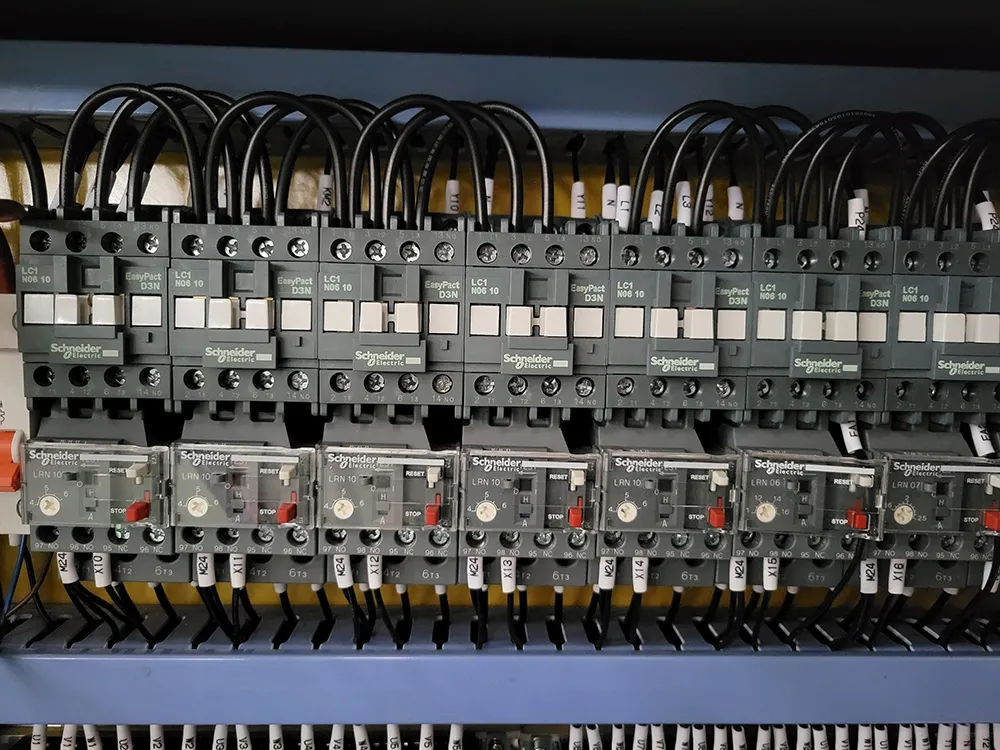
- A certain input/output (I/O) point of the PLC fails due to loose wiring, moisture, or static electricity.
- The program experiences a dead loop or data error due to accidental interference.
Solution steps: - Reset and restart: Attempt to completely power off the control system (including PLC power) for 30 seconds and then power it back on. This can clear most temporary software errors.
- Online diagnosis: Connect the PLC programming software, enter the online monitoring mode, and directly check whether the input point signal corresponding to the faulty sensor is true and stable. This is the most accurate troubleshooting method.
- Check the wiring and grounding: Check if the wiring terminals of the relevant sensors are secure and if the cables are damaged. Ensure that the entire device has a good and single grounding to avoid signal interference.
- Calibration/replacement of sensors: recalibrate sensors with adjustable sensitivity; Replace faulty sensors.
- JNDWATER recommends using original or specified spare parts to ensure compatibility.
By choosing JNDWATER, you not only receive a high-performance filling line, but also a long-term stable productivity guarantee. We are ready 24 hours a day to provide you with comprehensive services from remote diagnosis to on-site support, ensuring that your production never stops.